Backlinks are one of the strongest signals behind rankings, but most people don’t actually know what their backlink profile looks like. That’s where backlink checker tools come in. They help you see who is linking to your site, how strong those links are, and where new opportunities might exist.
The problem is, not every tool gives accurate or useful data, especially when you’re using free versions. Some are limited, some are outdated, and some just don’t show enough to make real decisions.
In this guide, we’ve tested and ranked free backlink checker tools that still deliver useful insights, so you can track your links, analyze competitors, and find new opportunities without spending money.
Collaborator Free Backlink Checker (Best Overall Tool)
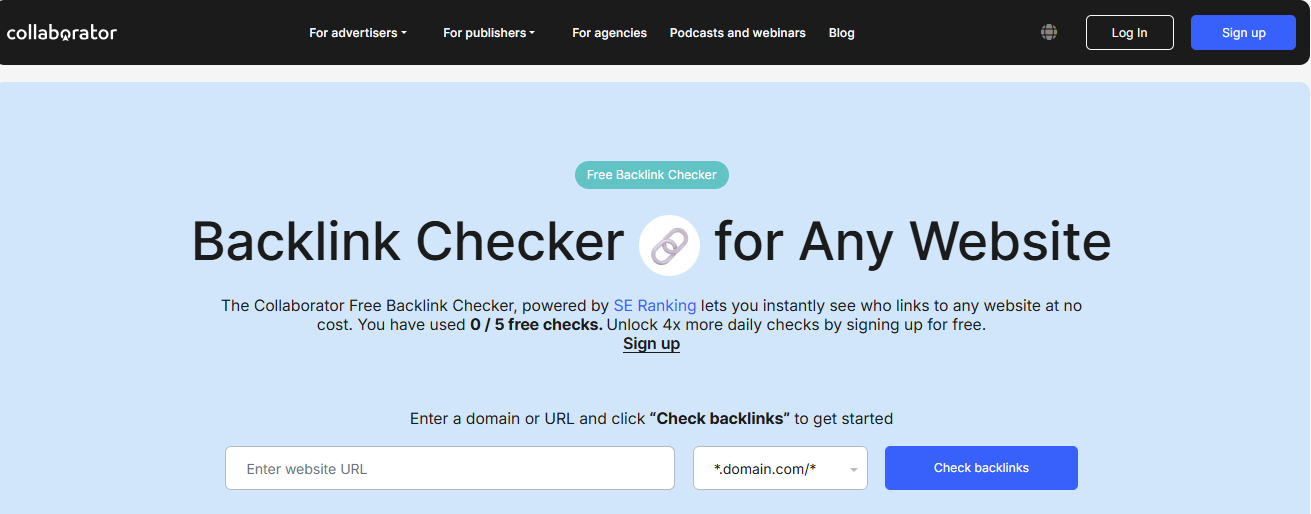
The Collaborator Free Backlink Checker lets you quickly check the backlinks pointing to any website. Powered by SE Ranking data, it shows useful details such as referring domains, anchor text, link type, and backlink dates.
You can view up to 50 of the strongest and newest backlinks, making it useful for checking your own profile or researching competitors. By seeing which websites link to competing sites, you can also uncover relevant domains for your own link-building efforts.
The tool is especially useful for finding practical outreach opportunities alongside basic backlink data. You can run up to five free checks without signing up, with higher limits available after registration.
Ahrefs Free Backlink Checker (Best for Quick Backlink Checks)

Ahrefs Free Backlink Checker is one of the most widely used tools for getting a quick view of any website’s backlink profile. It gives a simple snapshot that helps understand how strong a site’s link profile is without needing a paid plan.
One of its main features is showing the top 100 backlinks for any domain. This helps quickly see where links are coming from and what kind of websites are pointing to it. It also shows referring domains, which gives a clearer picture of overall link strength instead of just counting total links.
Another useful part is the anchor text data. It highlights the words used in backlinks, which helps understand how a website is being described across the web. Along with this, Domain Rating (DR) is also displayed, giving a quick idea of a site’s authority level.
The tool is also easy to use, making it suitable for both beginners and experienced users. Even with limited data in the free version, it still provides enough insight to analyze competitors, check link quality, and identify potential opportunities.
Google Search Console (Most Accurate Free Tool)
Google Search Console is one of the most reliable tools for checking backlinks because the data comes directly from Google itself. This makes it more accurate than most third-party tools and useful for understanding how a website is actually seen in search results.
One of its main strengths is that it shows all the websites linking to your own domain. This helps get a complete view of your backlink profile without guessing or relying on partial data. It also updates regularly, so changes in backlinks can be tracked over time.
Another useful feature is monitoring new and lost links. This makes it easier to see which pages are gaining attention and which links may have dropped. These changes can directly affect SEO performance, so keeping track is important for maintaining stability in rankings.
Semrush Free Backlink Analytics (Best for Competitor Research)
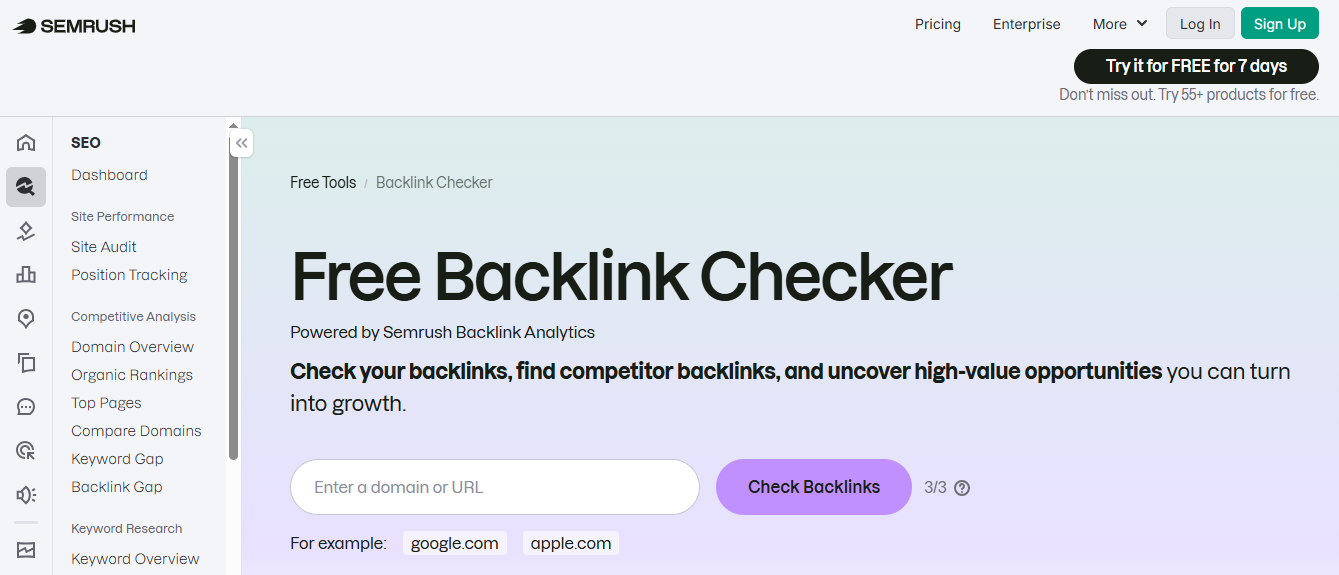
Semrush Free Backlink Analytics is a helpful tool for understanding not just your own backlinks, but also how competitors are building their authority. It gives a clear overview of link profiles, making it easier to compare performance across different websites.
One of its main features is showing total backlinks and referring domains. This helps understand how wide and strong a website’s link network is. It also includes an authority score, which gives a quick idea of how trustworthy and powerful a domain is in search engines.
A strong benefit of this tool is competitor research. By entering a competitor’s domain, it becomes easy to see where their backlinks are coming from. This can reveal useful websites that may also be open to linking to similar content, creating new opportunities for outreach.
Moz Link Explorer (Best for Link Quality & Spam Checks)
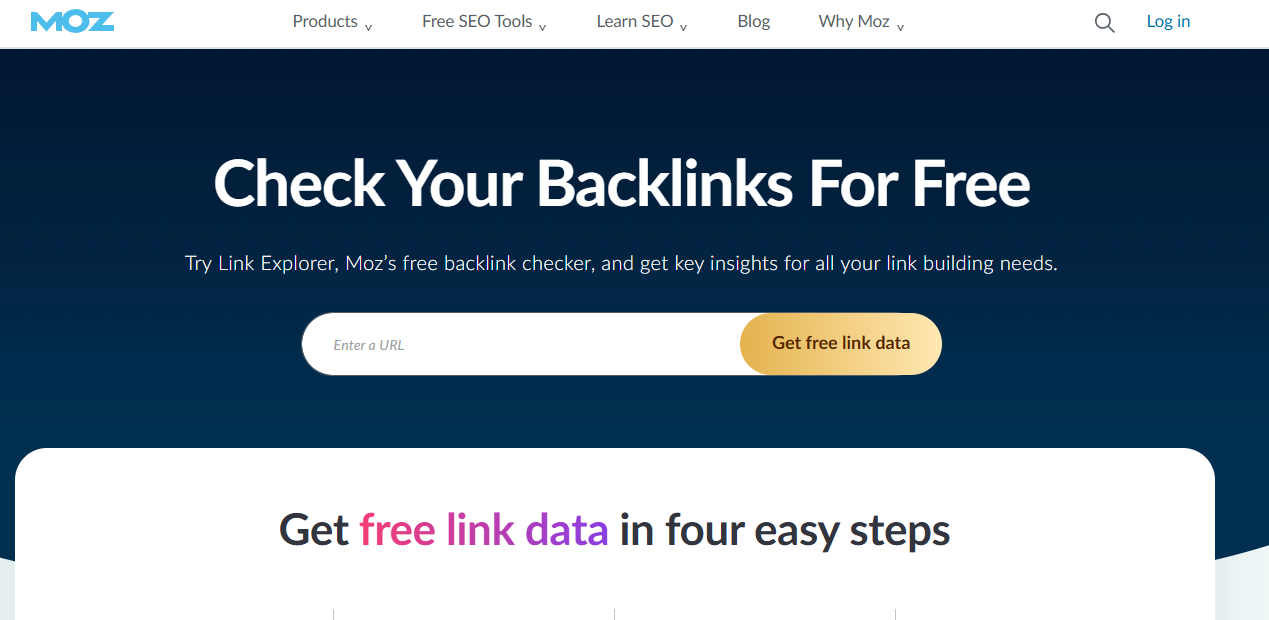
Moz Link Explorer is a useful free backlink checker that focuses more on link quality than just quantity. It helps understand how trustworthy a website is by giving clear authority and spam-related signals.
One of its main features is Domain Authority (DA). This score gives a quick idea of how strong a website is in search rankings based on its backlink profile. Higher DA usually means the site has more trusted and quality links pointing to it.
Another helpful feature is Spam Score. This shows whether a backlink profile has risky or low-quality links that could negatively affect SEO. It helps filter out sites that may not be worth targeting for link building.
Moz also provides a limited number of free searches each month, but even with this limit, it is still useful for quick checks and quality evaluation. It is especially helpful when deciding whether a backlink source is worth trusting or not.
Conclusion
Free backlink checker tools can give you a solid starting point, especially if you’re not ready to invest in paid software. While they may not offer the full depth of premium tools, they still help you understand who is linking to your site, spot basic issues, and find new opportunities. The key is knowing their limits and using them the right way. If you combine a few reliable free tools, you can still build a clear picture of your backlink profile.
As your needs grow, you can always upgrade, but for now, these tools are more than enough to get started.
FAQs
1. What is a backlink checker tool?
A backlink checker tool helps you see which websites are linking to your site. It also shows link quality, referring domains, and sometimes authority scores like DA or DR.
2. Which is the best free backlink checker tool?
Google Search Console is the most accurate for your own website, while Ahrefs Free Backlink Checker is great for quick insights and competitor snapshots.
3. Can free backlink tools show competitor backlinks?
Yes, tools like Semrush and Ahrefs free versions allow limited competitor backlink analysis, helping you discover new link opportunities.
4. How often should backlinks be checked?
It’s good to check backlinks regularly, at least once or twice a month, to track new links, lost links, and changes in link quality.
5. Are free backlink checker tools enough for SEO?
They are enough for basic analysis and small websites, but combining multiple tools gives better and more complete SEO insights.


![How to Pitch an Opportunity on Qwoted: A Comprehensive Guide [Link Building]](https://cdn.prod.website-files.com/66212eff7fb83b815e147071/6634c9e45af10f24b00fbbda_65eeae61ca00890dd4224727_Qwoted-White.png)